24/7 · self-hosted · still growing

A 6-year-old gaming PC, reborn as a homelab.

This is the network core my other projects run on top of — a Proxmox host doing enterprise-style virtualization, routing, identity, monitoring, and self-hosting, all on hardware that used to just play games.
View Repository Back to Portfolio
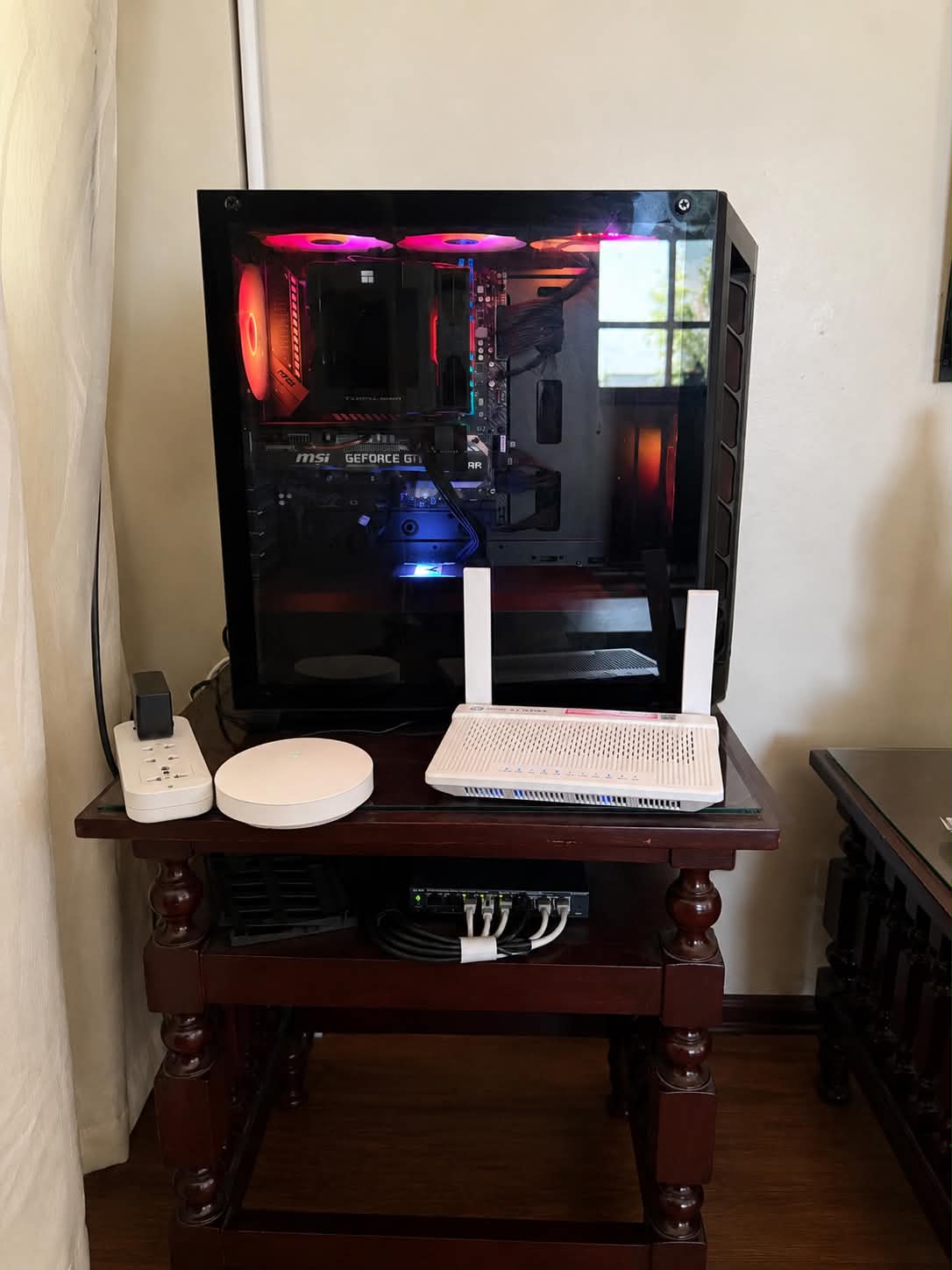
Physical Homelab Server

Physical Lab Infrastructure

The foundation of the homelab is a repurposed gaming PC running Proxmox VE, connected to dedicated networking hardware to emulate a small enterprise environment.

  • Host: Custom-built Proxmox Server
  • CPU: AMD Ryzen 5 3600 (6C/12T)
  • Memory: 80 GB DDR4
  • GPU: NVIDIA GTX 1660 Super
  • Networking: Managed Switch, Dual ISP, TP-Link Deco Mesh
  • Purpose: Hybrid Cloud, Active Directory, Monitoring, Security & Automation Labs
CPU
Ryzen 5 3600
6c / 12t
GPU
GTX 1660 Super
passthrough-capable
Memory
80 GB RAM
upgraded for VM density
Hypervisor
Proxmox VE
primary platform
Overview

Why this box exists

This repository showcases the production-inspired homelab I continuously build and operate to develop practical skills in enterprise-style networking, virtualization, identity, monitoring, storage, and security operations.

At the center is Proxmox VE, with an OPNsense router-on-a-stick (ROAS) design handling firewalling, routing, WAN connectivity, and VLAN segmentation. On top of that network core sit the services I actually use day to day — identity, DNS, PKI, monitoring, secrets management, documentation, media, and storage.

It's both a working platform for internal services and a practice environment for networking, cloud, and security work — and the foundation for future projects around SIEM pipelines, WAF testing, hybrid connectivity, and network automation.

Network Architecture

OPNsense Router-on-a-Stick

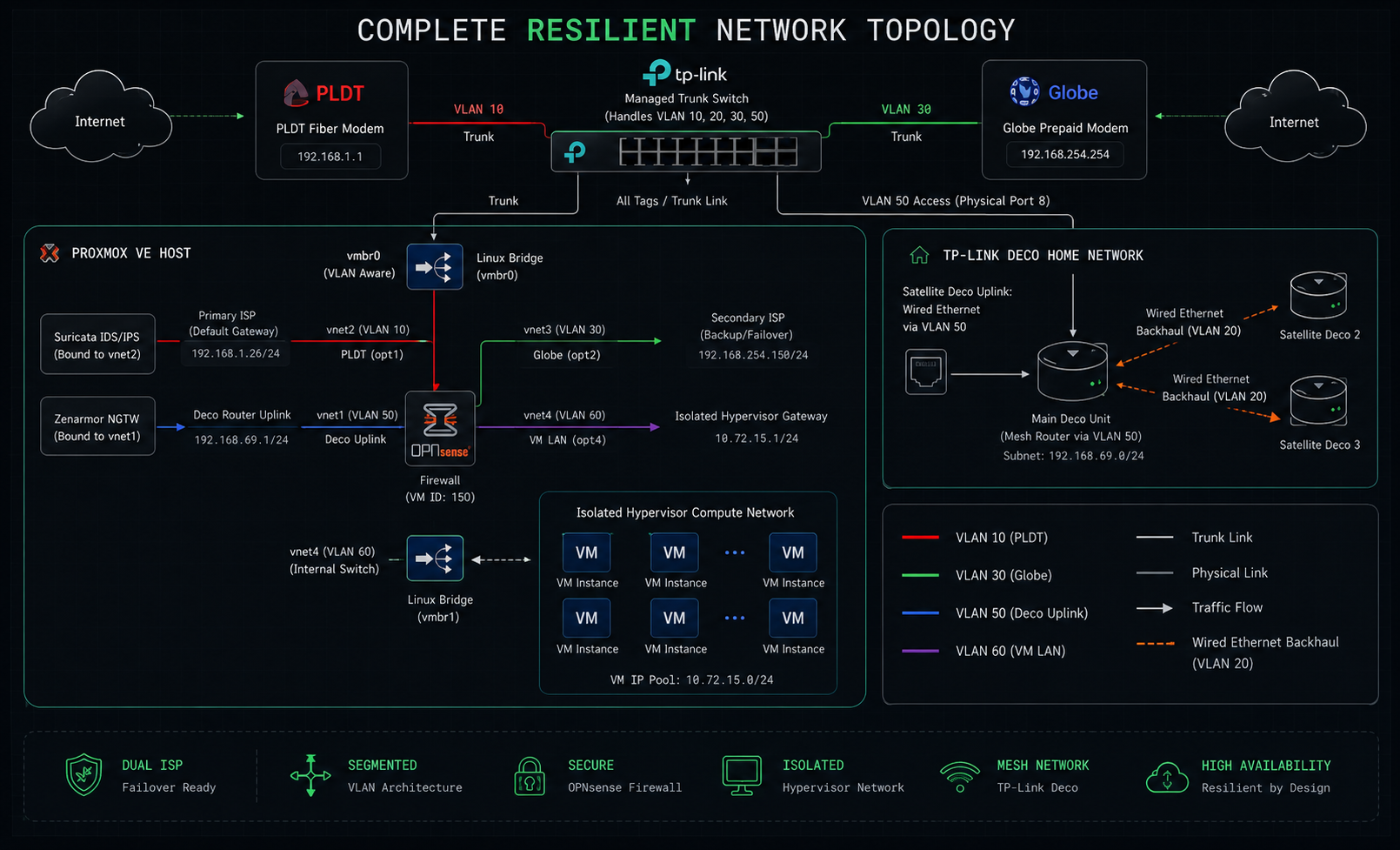
A VLAN-aware Linux bridge (vmbr0) on the Proxmox host carries tagged networks from a managed switch straight into the OPNsense VM, which terminates every VLAN-backed interface while the lab stays consolidated on a single hypervisor.

Homelab network topology diagram
fig. 1 — dual-ISP handoff, Deco uplink, and isolated VM compute network
VLAN 10
PLDT WAN

Primary ISP handoff, presented to OPNsense as a dedicated WAN interface.

VLAN 30
Globe WAN

Secondary / backup ISP handoff for WAN failover.

VLAN 50
Deco / Home Uplink

TP-Link Deco mesh uplink and home client network, routed separately from infrastructure.

VLAN 60
Internal VM / Compute

Isolated network for VMs and internal services, with OPNsense as gateway.

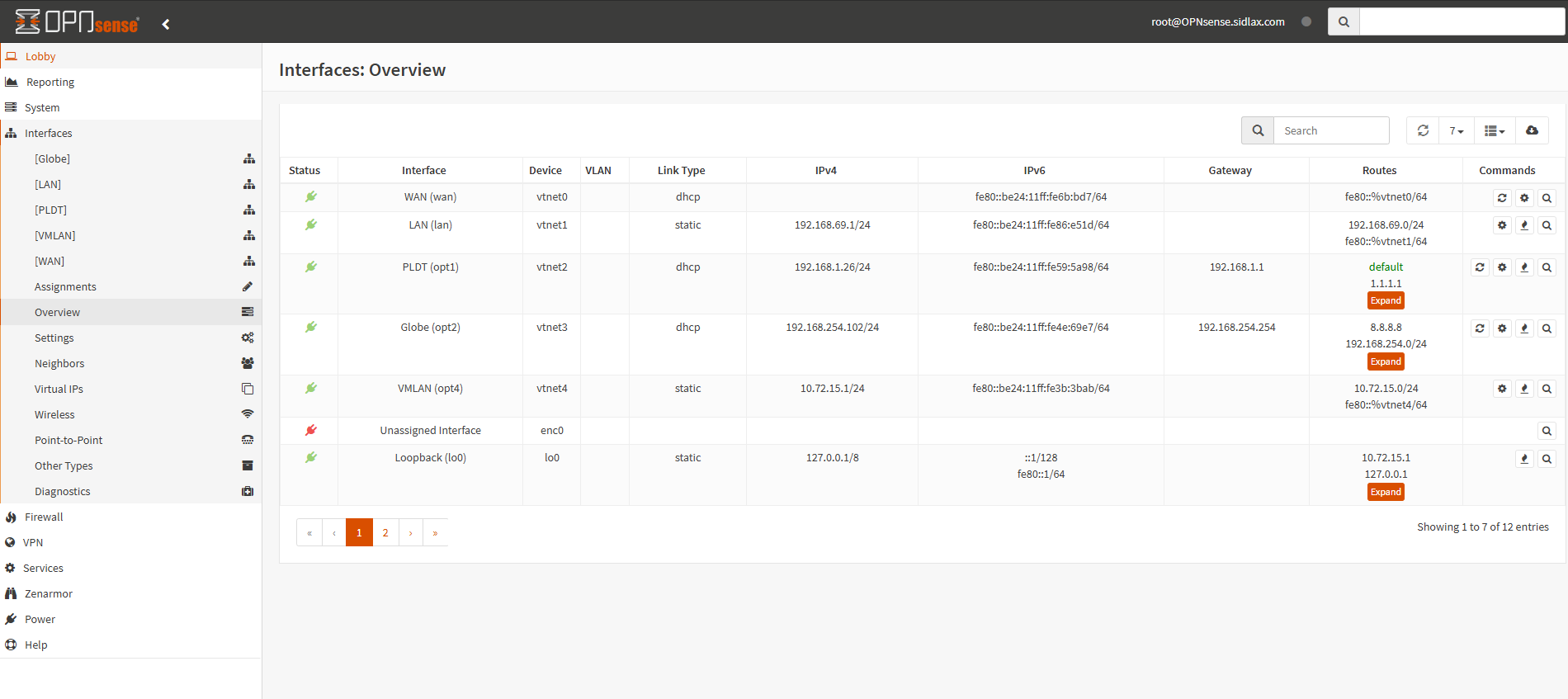
OPNsense interface configuration
fig. 2 — OPNsense interface assignment across VLANs

A managed switch trunks the required VLANs to the Proxmox host. Inside Proxmox, the OPNsense VM handles routing between internal networks, WAN connectivity and failover pathing, firewall policy enforcement, gateway services for the isolated VM network, and separation between home/client traffic and infrastructure workloads.

Core Infrastructure

Platform Services & Self-Hosted Applications

Grouped the way I actually think about the lab — virtualization and network core first, then the services layered on top.

Virtualization & Network Core

04

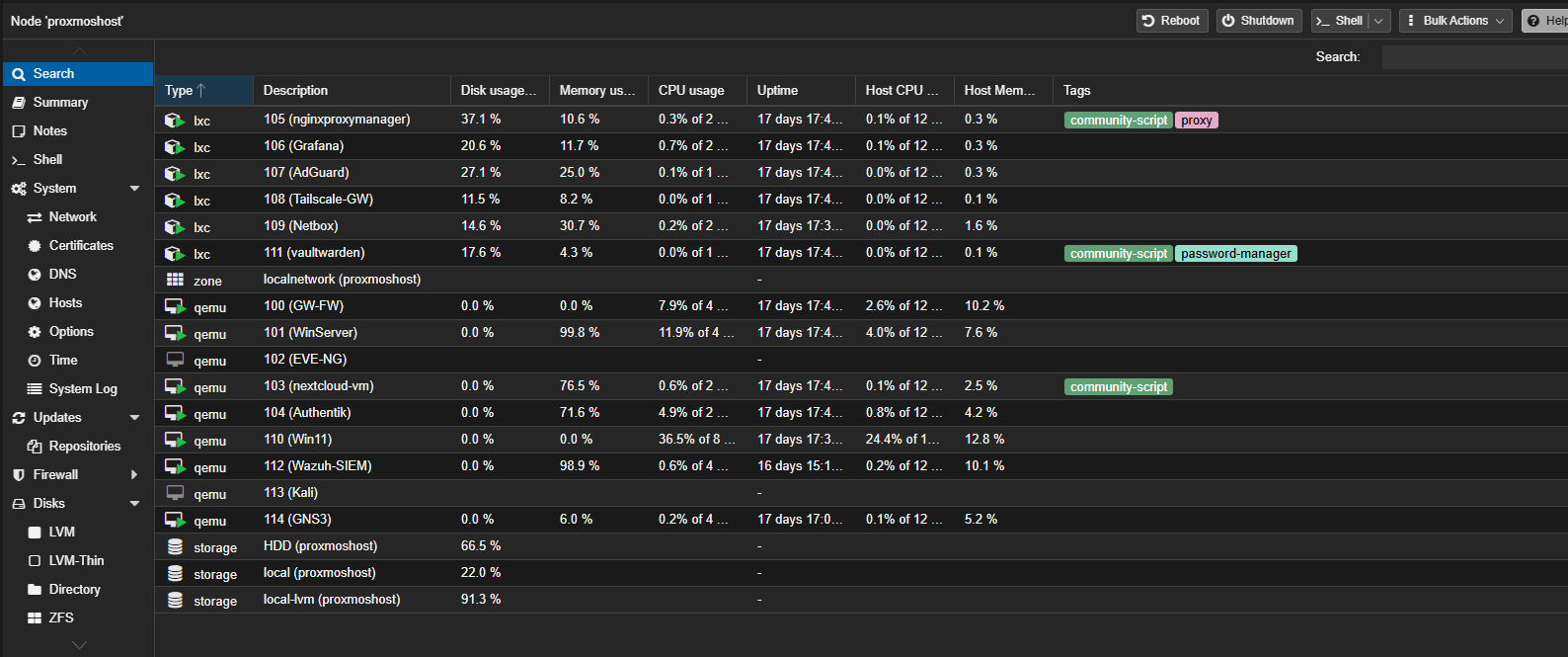
Proxmox VE

core

Primary hypervisor for every infrastructure and application VM in the lab.

Proxmox VE dashboard

OPNsense

core

Virtual firewall/router: inter-VLAN routing, dual-WAN, policy enforcement, gateway services.

Managed Trunk Switch

core

Carries tagged VLANs between the physical network and the Proxmox host.

TP-Link Deco Mesh

core

Home network mesh, connected through a dedicated VLAN/uplink path.

Security & Filtering

03

Suricata IDS/IPS

security

Intrusion detection and prevention attached to the OPNsense platform.

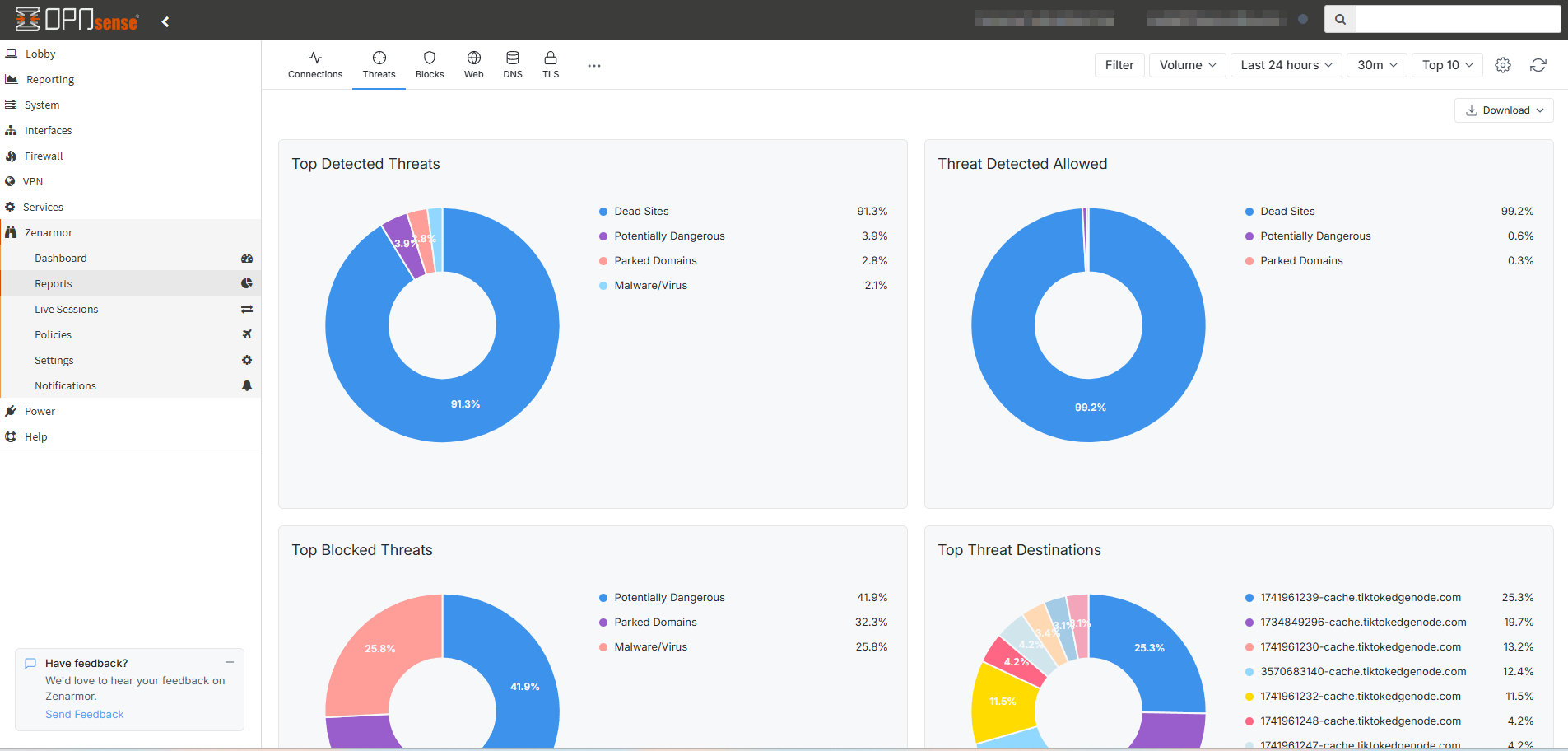
Zenarmor NGFW

security

Next-gen firewall layer for deeper traffic inspection.

Zenarmor and OPNsense dashboard

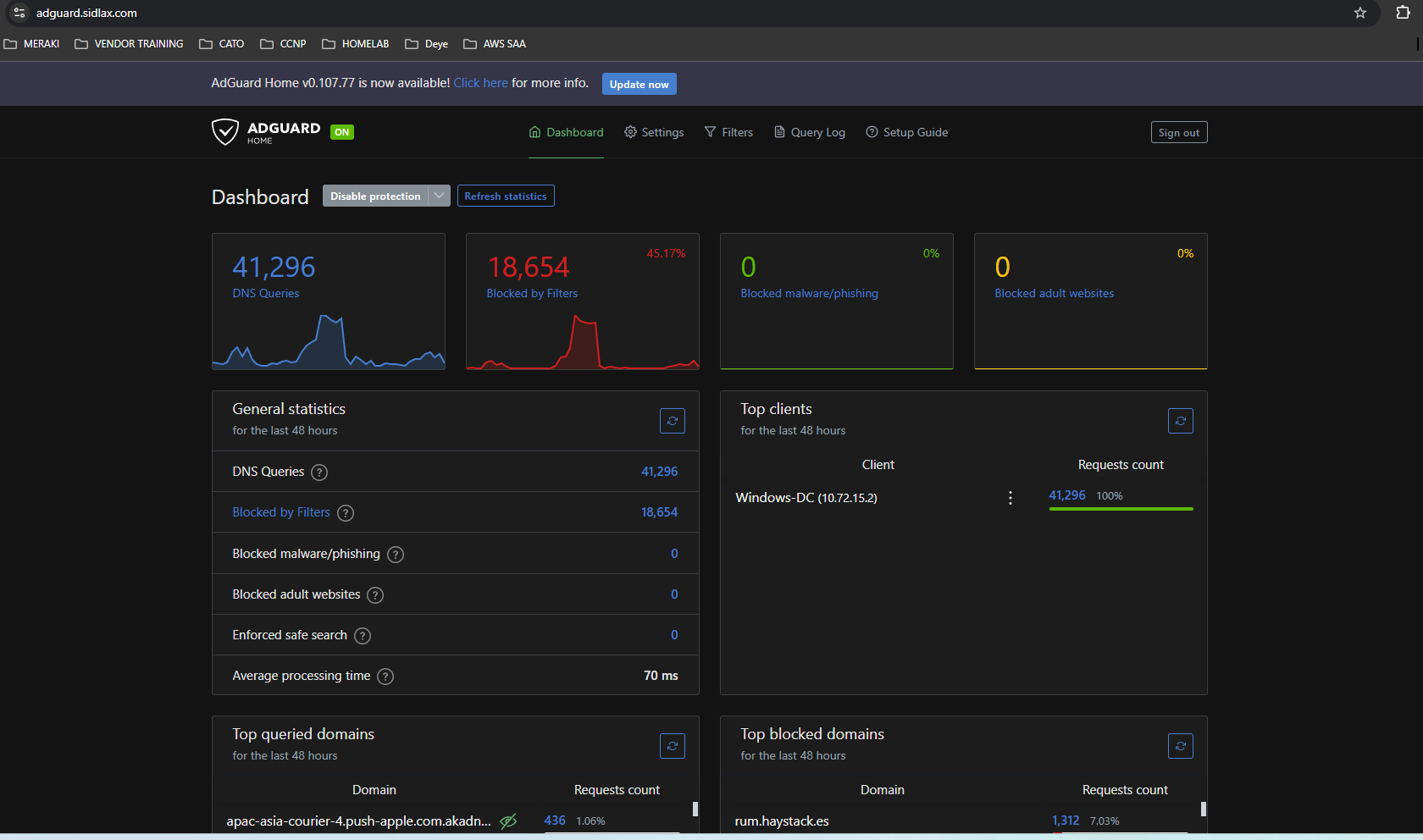
AdGuard Home

security

DNS filtering and resolver functions, plus visibility into DNS activity.

AdGuard Home dashboard

Identity & Core Services

03

Windows Server

identity

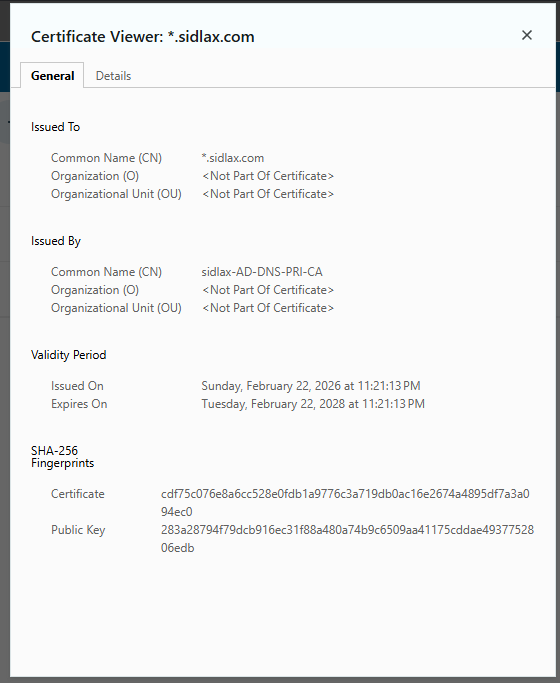
DNS, NPS (RADIUS-style auth testing), and Certificate Authority for internal PKI.

Certificate Authority console

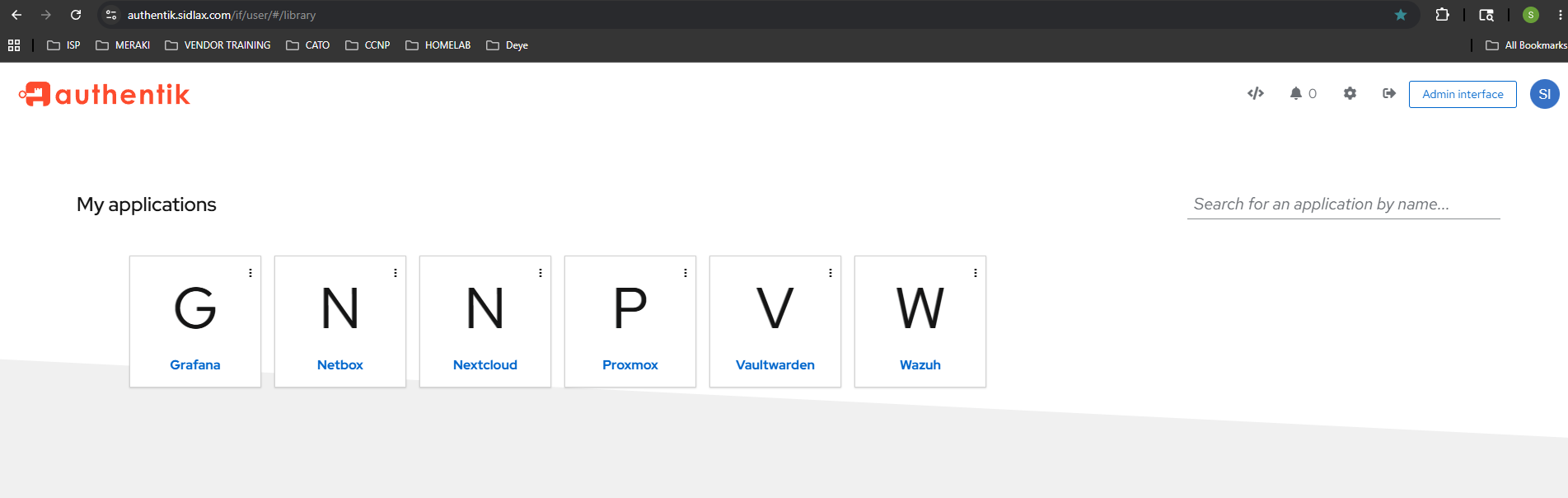
Authentik

identity

Identity provider / SSO for centralized authentication across internal services.

Authentik identity provider dashboard

Vaultwarden

identity

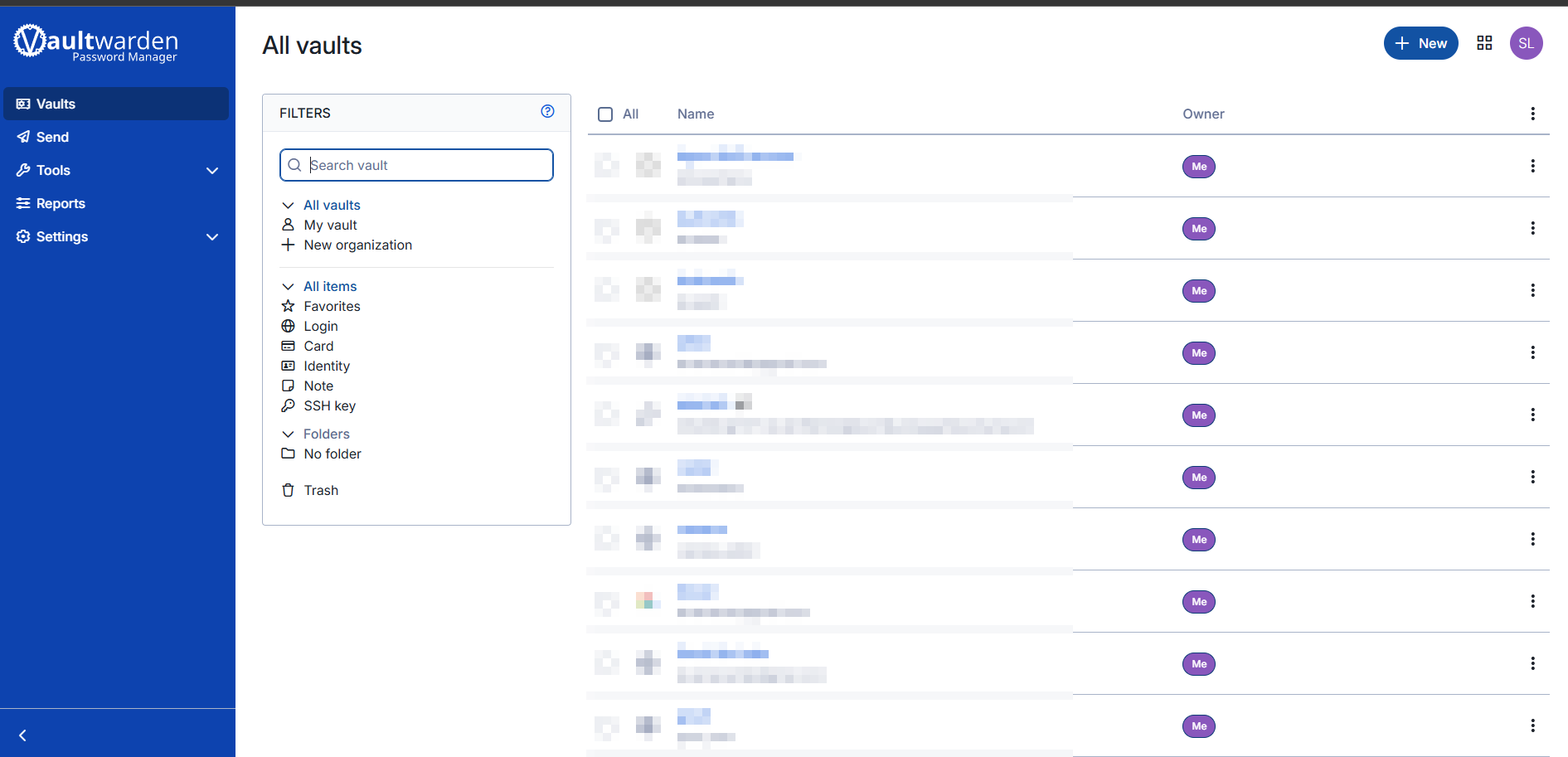
Self-hosted password and credential management for the lab.

Vaultwarden vault

Monitoring, IPAM & Documentation

03

NetBox

docs

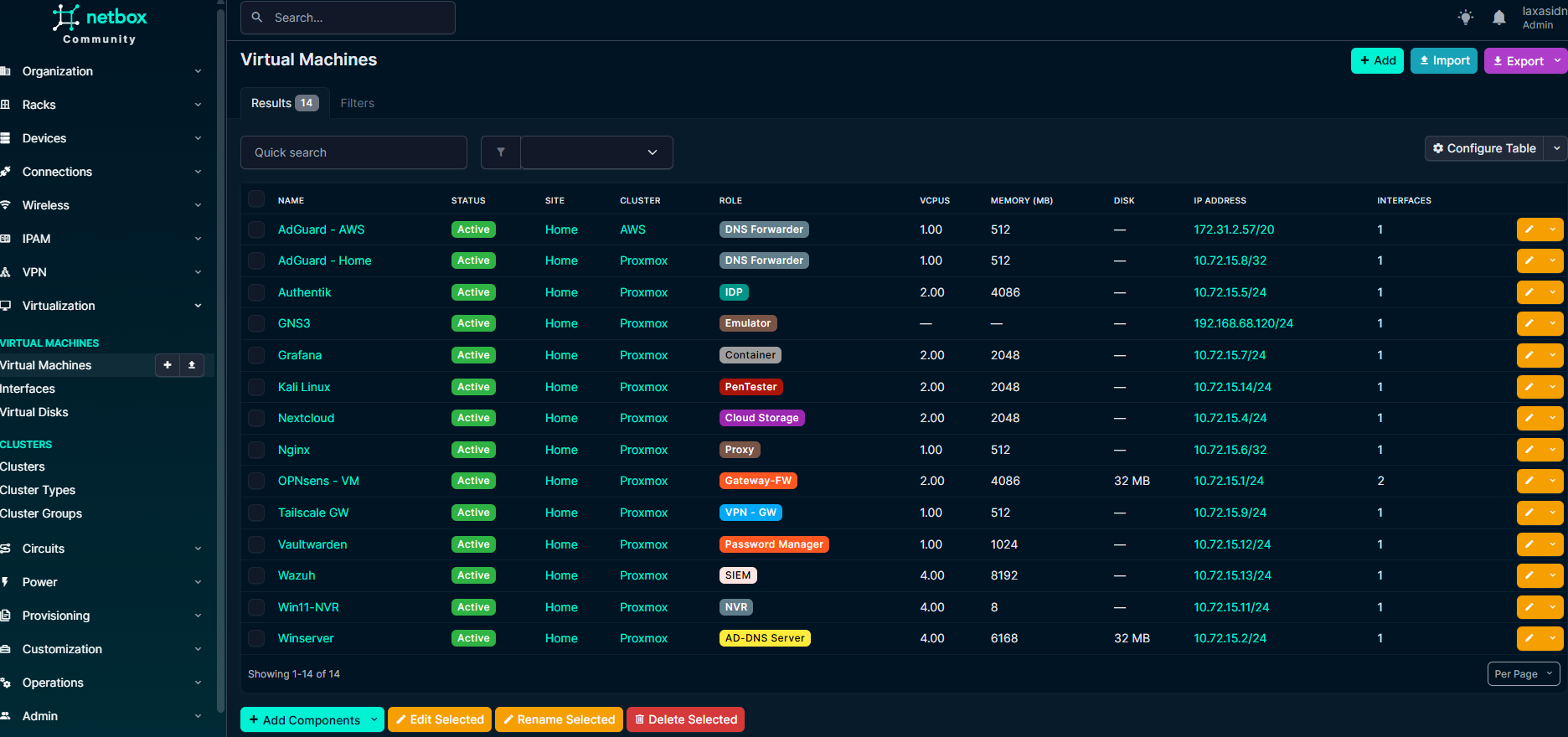
Source of truth for IP allocations, VLAN/subnet docs, and infrastructure inventory.

NetBox IPAM dashboard

PRTG

monitoring

Infrastructure health monitoring, reachability checks, service monitoring.

Grafana

monitoring

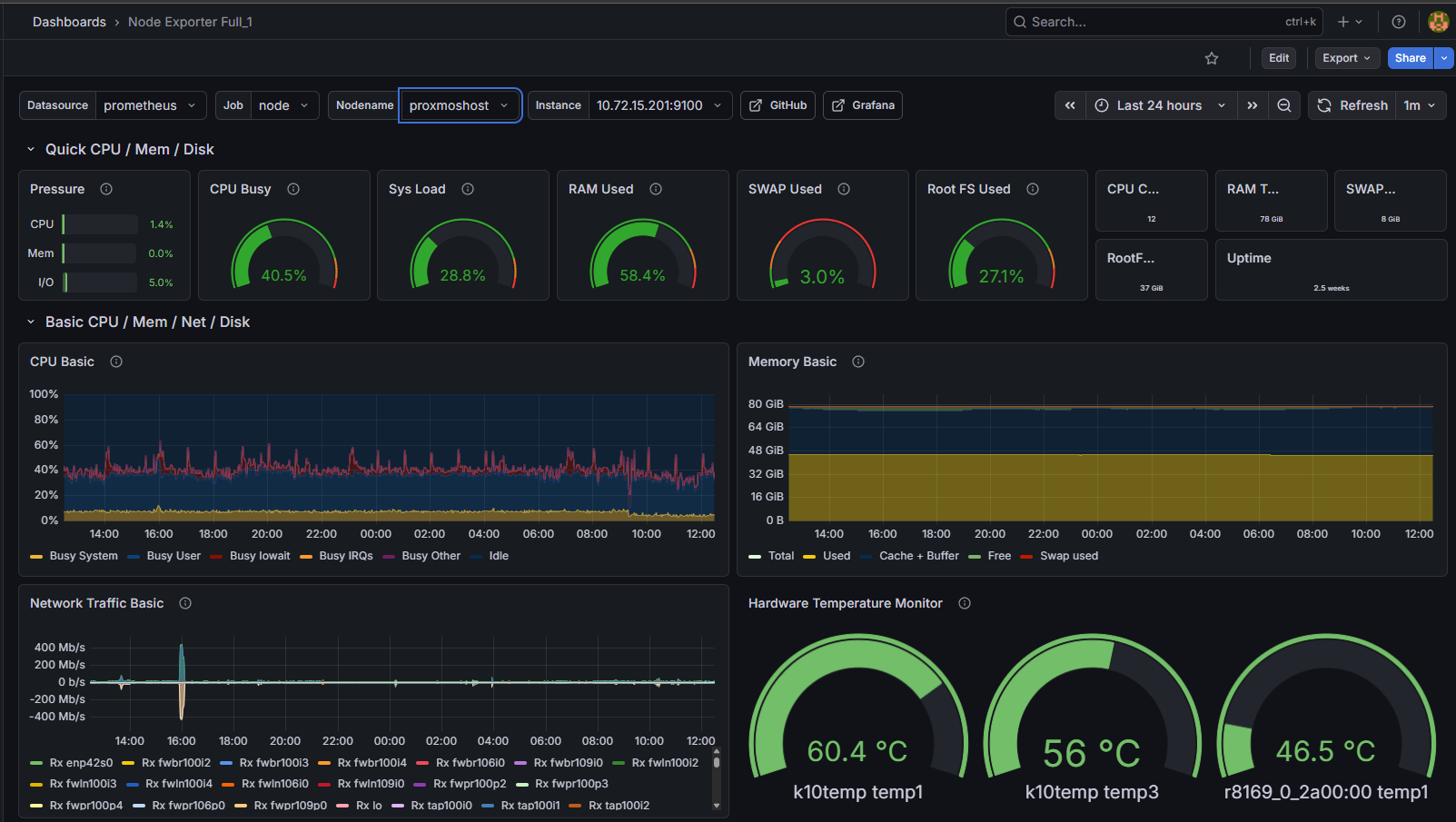
Dashboards and visualization, with room to grow into more telemetry sources.

Grafana dashboard

Remote Access & Storage

04

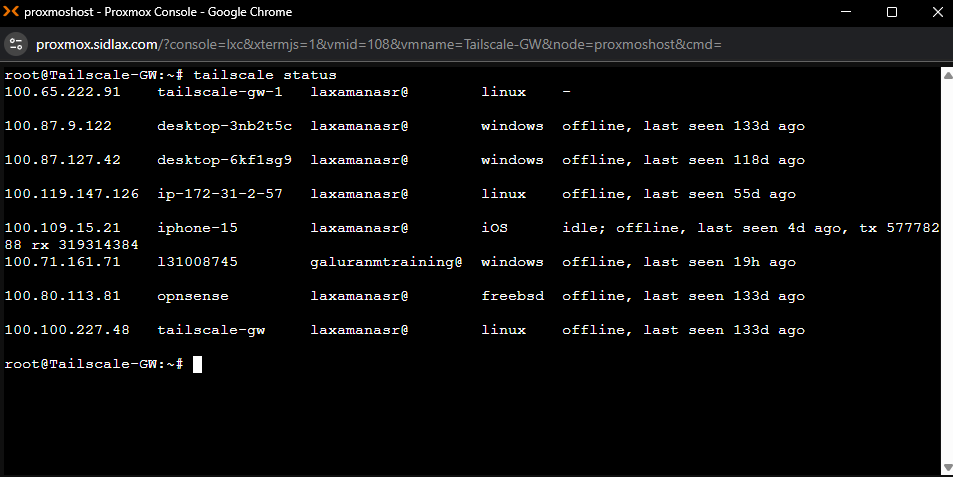
Tailscale Gateway

access

Secure remote access into the lab without broadly exposing services to the internet.

Tailscale admin console

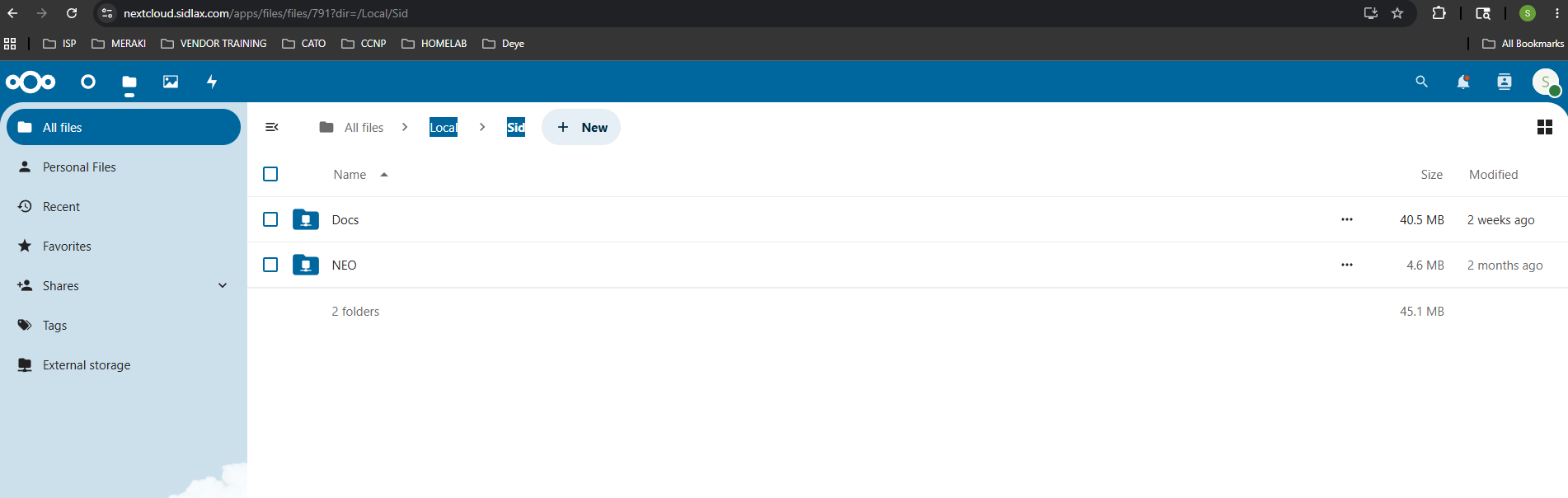
Nextcloud

storage

Self-hosted cloud storage and internal file platform.

Nextcloud dashboard

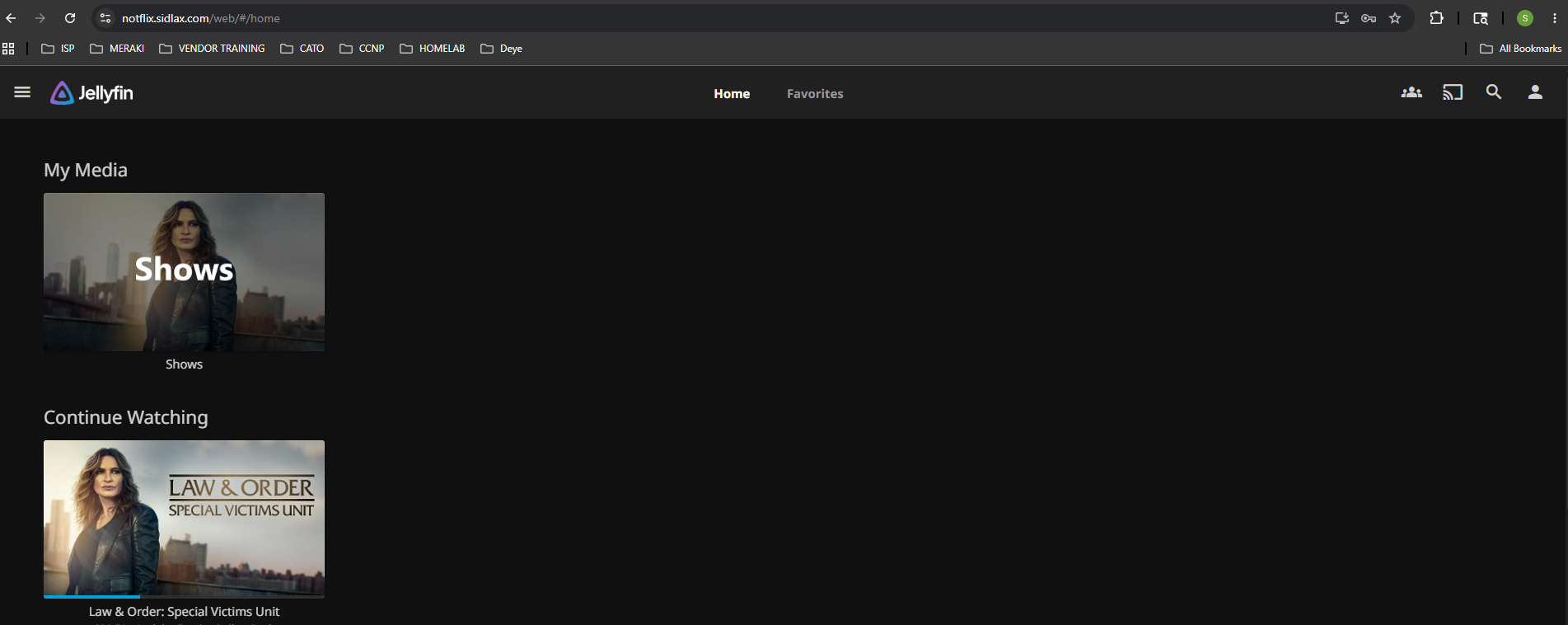
Jellyfin

media

Self-hosted media service running inside the lab.

Jellyfin media server

Agent DVR

media

Video / surveillance-related workloads.

Agent DVR interface

Network Lab Platforms

02

EVE-NG

lab

Network simulation for testing designs and routing/switching scenarios.

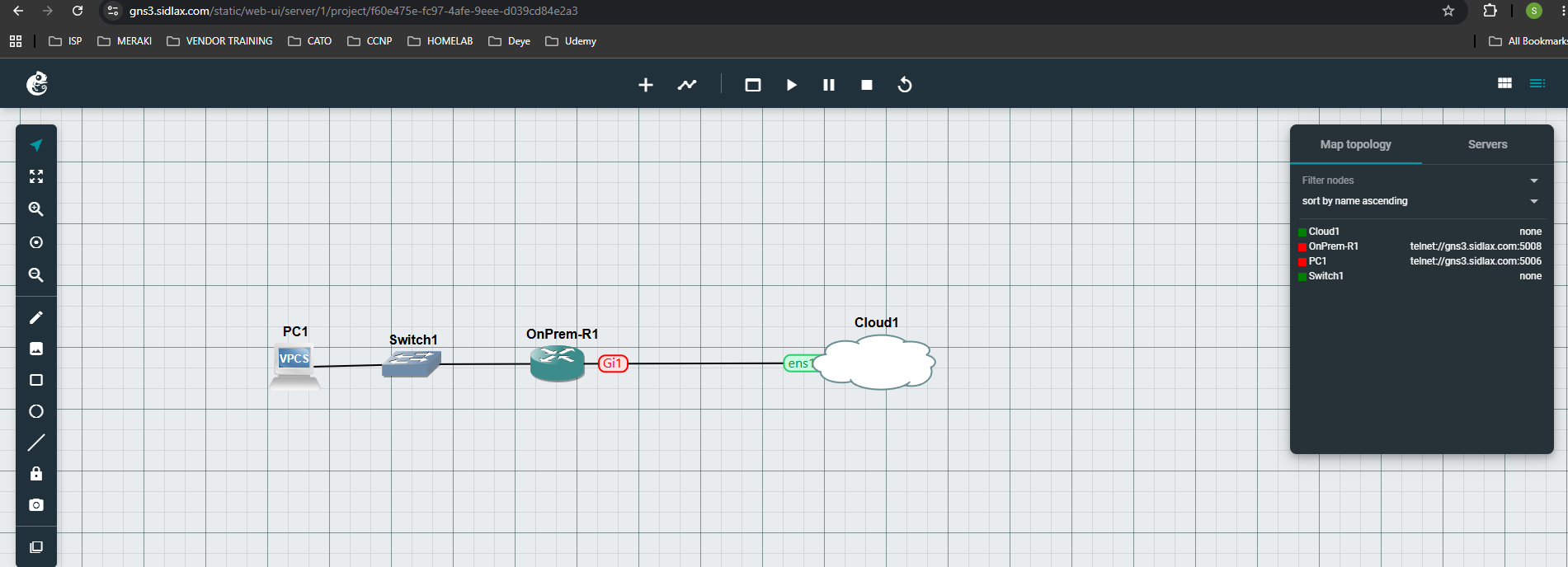
GNS3

lab

Isolated network labs for practicing troubleshooting without touching production.

GNS3 network simulation
Inventory

Current Service List

Proxmox VE OPNsense Windows Server Authentik AdGuard Home NetBox Vaultwarden PRTG Grafana Tailscale Nextcloud Jellyfin Agent DVR EVE-NG GNS3
Design Goals & Roadmap

Where it's going

Security design goals

  • Segment infrastructure and user/client traffic
  • Firewall policy enforcement between services and networks
  • Limit unnecessary exposure of internal services
  • Centralize identity where possible
  • Use internal PKI for certificate-based workflows
  • Improve visibility with monitoring & security tooling
  • Document assets, IPs, and infrastructure relationships

Repository roadmap

  • Topology diagrams
  • VLAN / subnet documentation
  • VM inventory & service dependency notes
  • Reverse proxy / access flow notes
  • NetBox structure documentation
  • Lessons learned & design decisions
  • Sanitized configuration examples

This lab is also the base platform for future work in AWS/hybrid networking, SIEM and log pipelines, reverse proxy & WAF security, and network automation — most of that work will show up as its own project once it's running here first.